
Malware in SYSVOL: finding the source
More in General
- We helped Apple fix a vulnerability in the kernel of its operating systems
We helped Apple fix a vulnerability in the kernel of its operating systems PT ESC expert…
- Recovering EVTX records: carving methods
Recovering EVTX records: carving methods 🧩 When investigating incidents where attackers encrypt virtual machine images, a…
- Operation Chewbacca
At the end of June, the PT ESC team, during incident investigations, discovered a new group…
- Your Zimbra server is at risk
Recently, our PT ESC IR team encountered a new attack by ransomware groups on Zimbra mail…
- He's not your gsocket
He's not gsocket to you 😑 During the investigation of one of the incidents, PT ESC…




Malware in SYSVOL: finding the source 😐
Let’s say we’re investigating a ransomware incident. The attackers used a Group Policy to launch the ransomware (for example, they set up a scheduled task). They placed the malware itself in the SYSVOL folder on a domain controller (DC).
🥷 How do we figure out where the attacker was operating from? In this post, we’ll focus on the file trail.
The logic is simple: to place a file in SYSVOL, the attacker had to somehow “get onto” the DC. So we look at when the file was created (by the way, this is why it’s important to first collect data for the investigation and only then clean up the systems), and correlate that information with system logons.
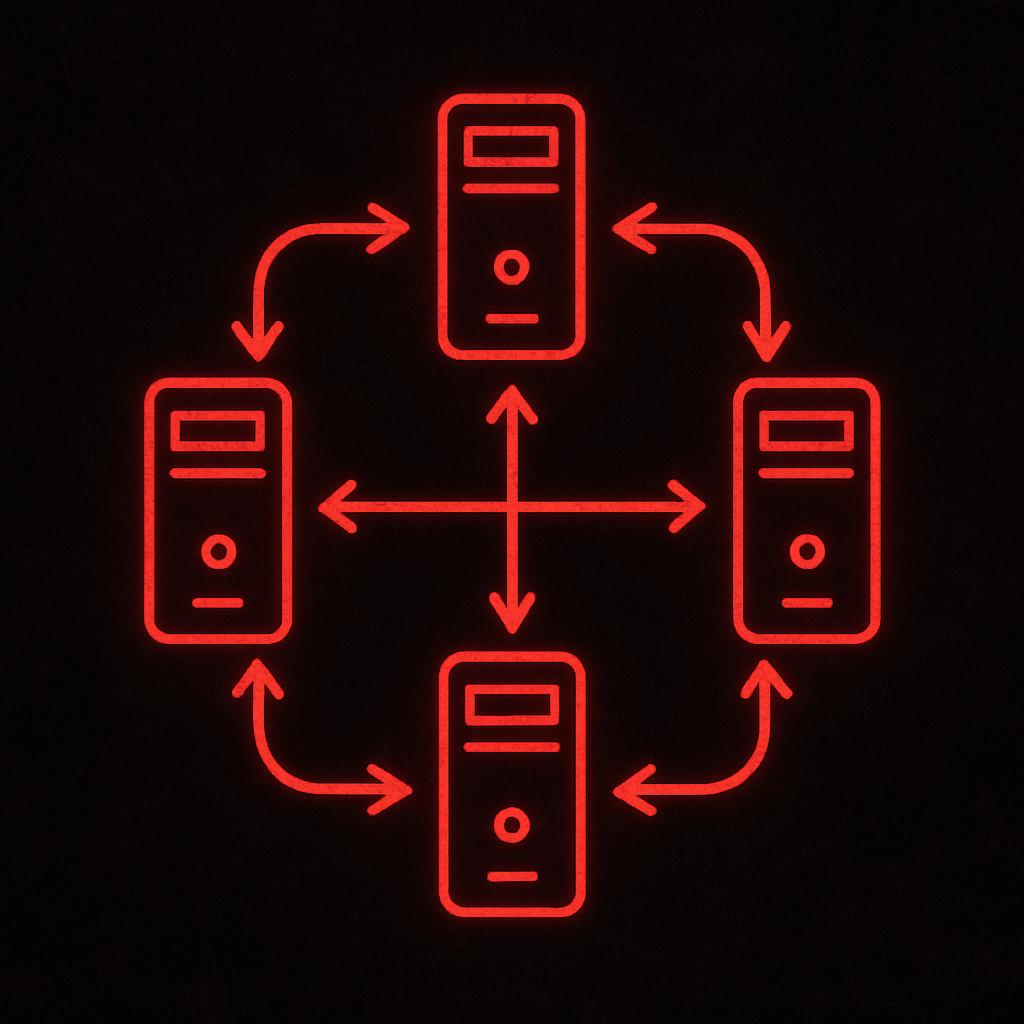
Seems straightforward, but there’s a catch: the contents of the SYSVOL directory are replicated between DCs using DFSR (Distributed File System Replication). That means the attacker only needs to place the malicious file on one DC, and the system will automatically distribute it to all the others. How do we determine which DC was the original source, especially if there are many DCs?
Let’s look at the DFSR debug logs on an arbitrary DC among those where the malware ended up in the SYSVOL folder. These logs are usually located in the %systemroot%\debug folder, with filenames like Dfsrxxxxx.log and Dfsrxxxxx.log.gz (.gz on Windows? Yes!). The logs are text-based and quite greppable, but some events have a multi-line format — keep that in mind if you don’t want to lose context.
Let’s search the logs for the name of our malware (let’s say it’s badfile.exe). If we found the source DC on the first try, we should find a message like this in the logs:
20250526 02:44:24.906 5628 USNC  2871 UsnConsumer::CreateNewRecord LDB Inserting ID Record:
+  <...>
+  name                            badfile.exe
Code language: plaintext (plaintext)
In short, it indicates that a new file appeared in the replicated folder, meaning the file in question was originally placed on this DC. In that case, you can skip to the last paragraph of the post below 🙂
You can double-check this in the $UsnJrnl:$J journal just to be safe:
badfile.exe,.exe,132035,6849,257939,4,.\Windows\SYSVOL\domain\scripts,52168700184,2025-05-25 23:44:23.6245532,FileCreate,Archive,436154648
You can see that the file is created on the file system (FileCreate).
If the file had been replicated, it would look like this:
2025-03-25 23:44:25 +0000 UTC,badfile-{D5B54C1C-F832-4838-ABC8-C5027E7F9F51}-v123456.exe,System Volume Information\DFSR\Private\{F0285778-7EF8-4808-85D7-68223AA11FB5}-{24DC8227-6461-4D16-96D5-537D78549536}\Installing\badfile-{D5B54C1C-F832-4838-ABC8-C5027E7F9F51}-v123456.exe,FILE_CREATE,archive,7|109885
2025-05-25 23:44:25 +0000 UTC,badfile-{D5B54C1C-F832-4838-ABC8-C5027E7F9F51}-v123456.exe,System Volume Information\DFSR\Private\{F0285778-7EF8-4808-85D7-68223AA11FB5}-{24DC8227-6461-4D16-96D5-537D78549536}\Installing\badfile-{D5B54C1C-F832-4838-ABC8-C5027E7F9F51}-v123456.exe,RENAME_OLD_NAME,archive,7|109885
2025-05-25 23:44:25 +0000 UTC,badfile.exe,Windows\SYSVOL\domain\scripts\badfile.exe,RENAME_NEW_NAME,archive,5|269425
You can see that the file is first created in the DFSR folder and only then moved to SYSVOL.
If the malware was replicated to the DC under investigation, we’ll see a message like this in the DFSR logs:
20250526 02:44:24.949 4452 INCO  3065 InConnection::ReceiveUpdates Received: uid:{D5B54C1C-F832-4838-ABC8-C5027E7F9F51}-v123456 gvsn:{D5B54C1C-F832-4838-ABC8-C5027E7F9F51}-v123456 fileName:badfile.exe session:86382 connId:{C62DFB26-63FA-4E9F-B533-0F487BF8E043} csId:{F0285778-7EF8-4808-85D7-68223AA11FB5} csName:SYSVOL Share
Code language: plaintext (plaintext)
Very interesting, but none of it makes sense.
To figure out which DC the file was replicated from, we need to determine which host corresponds to the specified connId (this value is static and corresponds to a one-way connection between two machines).
How to do this
1️⃣ You can look at the mapping table in the file \System Volume Information\DFSR\Config\Replica_<replication group GUID>.XML. Let’s search it for our connId and we’ll see something like this:
<DfsrConnection>
  <ConnectionGuid>C62DFB26-63FA-4E9F-B533-0F487BF8E043</ConnectionGuid>
  <...>
  <PartnerName>DC02</PartnerName>
  <...>
  <PartnerDns>dc02.corp.local</PartnerDns>
  <...>
</DfsrConnection>
2️⃣ You can search the DFSR logs for events containing both the connId we’re interested in and the words “partnerDns“, “partnerName“, or “partnerAddress“. We might find something like:
20250314 01:22:31.307 6304 DOWN 3959 [ERROR] DownstreamTransport::EstablishConnection EstablishConnection failed. Check that the connection partner is valid. If not then recreate the connection with valid partner. connId:{C62DFB26-63FA-4E9F-B533-0F487BF8E043} rgName:Domain System Volume partnerName:DC02 partnerDns:dc02.corp.local
3️⃣ If the DCs are “alive”, the GUID information can be extracted using the Dfsradmin utility. We won’t cover this method — you can read more about DFSR logs at the link.
So, during the investigation we determined that the malicious file was originally placed on DC02.
Now it’s a small matter — to find out who logged on to that DC and from where, and placed that file there. OS logs and SUM are here to help — nobody said it would be easy! 🙂
#ir #dfir #DFSR
@ptescalator
More from oUth0R
- We helped Apple fix a vulnerability in the kernel of its operating systems
We helped Apple fix a vulnerability in the kernel of its operating systems PT ESC expert…
- Recovering EVTX records: carving methods
Recovering EVTX records: carving methods 🧩 When investigating incidents where attackers encrypt virtual machine images, a…
- Operation Chewbacca
At the end of June, the PT ESC team, during incident investigations, discovered a new group…
- Your Zimbra server is at risk
Recently, our PT ESC IR team encountered a new attack by ransomware groups on Zimbra mail…
- He's not your gsocket
He's not gsocket to you 😑 During the investigation of one of the incidents, PT ESC…
More in General
- We helped Apple fix a vulnerability in the kernel of its operating systems
We helped Apple fix a vulnerability in the kernel of its operating systems PT ESC expert…
- Recovering EVTX records: carving methods
Recovering EVTX records: carving methods 🧩 When investigating incidents where attackers encrypt virtual machine images, a…
- Operation Chewbacca
At the end of June, the PT ESC team, during incident investigations, discovered a new group…
- Your Zimbra server is at risk
Recently, our PT ESC IR team encountered a new attack by ransomware groups on Zimbra mail…
- He's not your gsocket
He's not gsocket to you 😑 During the investigation of one of the incidents, PT ESC…