
Where to look for network indicators of compromise on Windows?
More in General
- We helped Apple fix a vulnerability in the kernel of its operating systems
We helped Apple fix a vulnerability in the kernel of its operating systems PT ESC expert…
- Recovering EVTX records: carving methods
Recovering EVTX records: carving methods 🧩 When investigating incidents where attackers encrypt virtual machine images, a…
- Operation Chewbacca
At the end of June, the PT ESC team, during incident investigations, discovered a new group…
- Your Zimbra server is at risk
Recently, our PT ESC IR team encountered a new attack by ransomware groups on Zimbra mail…
- He's not your gsocket
He's not gsocket to you 😑 During the investigation of one of the incidents, PT ESC…




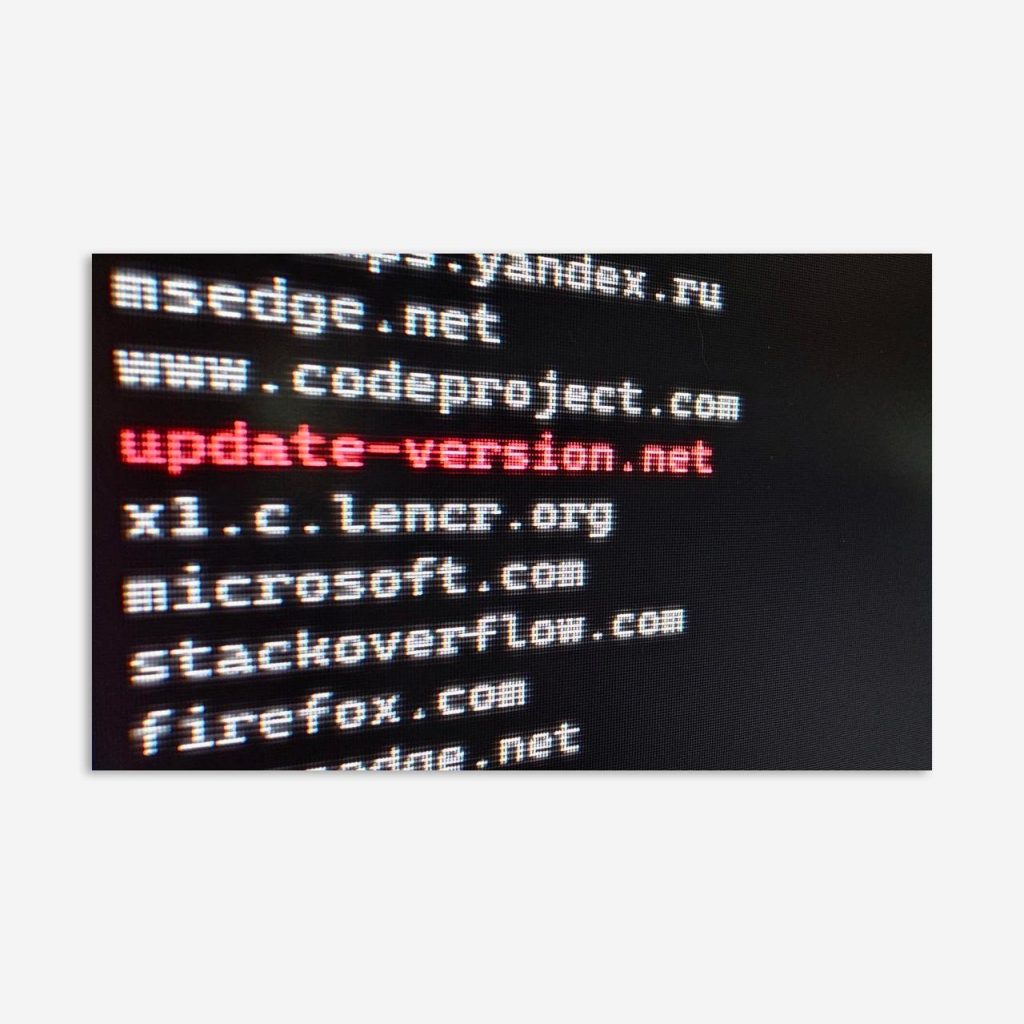
Where to look for network indicators of compromise on Windows? For example, in the DNS cache 💡
The DNS cache is a mechanism for caching records that map domain names to IP addresses (and more). It is needed so that the system does not have to query DNS servers for this information every time. You can view the cache contents using the command ipconfig /displaydns, but do not rush to do this.
Each DNS record has a TTL (time to live) parameter, which determines how long the record remains valid. When the TTL expires, the record “goes stale” — and the system must again request the data from the DNS server.
Windows stores the list of cached domains as a linked list, and querying the cache contents consists of two stages: in the first stage, a complete list of cached domains is built using the system call DnsGetCacheDataTable; then, for each domain in the list, a cache resolution is performed using the system call DnsQuery with the flag DNS_QUERY_NO_WIRE_QUERY. Thus, for each cached domain, the corresponding resource records are retrieved from the cache: A, AAAA, TXT, and so on.
😐 And here lies the catch. If a domain is in the cached list but its TTL has expired, the command ipconfig /displaydns will not only fail to show that domain in the list, but will also remove it from the list of cached domains, thereby destroying potential evidence.
To get the full list of cached domains (even the “stale” ones), you can use the DnsGetCacheDataTable call. Below is a PowerShell script that implements this function:
Add-Type -TypeDefinition @"
using System;
using System.Runtime.InteropServices;

namespace DnsCache
{
    [StructLayout(LayoutKind.Sequential)]
    public struct DnsCacheEntry
    {
        public IntPtr PNext;
        public IntPtr Name;
        public ushort Type;
        public ushort DataLength;
        public uint Flags;
    }

    public class Program
    {

        [DllImport("dnsapi.dll")]
        public static extern void DnsGetCacheDataTable(ref DnsCacheEntry entry);
        public static void GetCache()
        {
            DnsCacheEntry a = new DnsCacheEntry();
            DnsGetCacheDataTable(ref a);
            while (true)
            {
                Console.WriteLine("RR name: {0}", Marshal.PtrToStringAuto(a.Name));
                if (a.PNext == IntPtr.Zero) break;
                a = Marshal.PtrToStructure<DnsCacheEntry>(a.PNext);
            }

        }
    }
}
"@
[DnsCache.Program]::GetCache()
Try running this script, and then compare the results with the output of ipconfig /displaydns (in that exact order).
Happy hunting!
#tips #hunting #win #dfir #dotnet #triage
@ptescalator
More from oUth0R
- We helped Apple fix a vulnerability in the kernel of its operating systems
We helped Apple fix a vulnerability in the kernel of its operating systems PT ESC expert…
- Recovering EVTX records: carving methods
Recovering EVTX records: carving methods 🧩 When investigating incidents where attackers encrypt virtual machine images, a…
- Operation Chewbacca
At the end of June, the PT ESC team, during incident investigations, discovered a new group…
- Your Zimbra server is at risk
Recently, our PT ESC IR team encountered a new attack by ransomware groups on Zimbra mail…
- He's not your gsocket
He's not gsocket to you 😑 During the investigation of one of the incidents, PT ESC…
More in General
- We helped Apple fix a vulnerability in the kernel of its operating systems
We helped Apple fix a vulnerability in the kernel of its operating systems PT ESC expert…
- Recovering EVTX records: carving methods
Recovering EVTX records: carving methods 🧩 When investigating incidents where attackers encrypt virtual machine images, a…
- Operation Chewbacca
At the end of June, the PT ESC team, during incident investigations, discovered a new group…
- Your Zimbra server is at risk
Recently, our PT ESC IR team encountered a new attack by ransomware groups on Zimbra mail…
- He's not your gsocket
He's not gsocket to you 😑 During the investigation of one of the incidents, PT ESC…