
You can't just take and offload information from a mobile phone
More in General
- We helped Apple fix a vulnerability in the kernel of its operating systems
We helped Apple fix a vulnerability in the kernel of its operating systems PT ESC expert…
- Recovering EVTX records: carving methods
Recovering EVTX records: carving methods 🧩 When investigating incidents where attackers encrypt virtual machine images, a…
- Operation Chewbacca
At the end of June, the PT ESC team, during incident investigations, discovered a new group…
- Your Zimbra server is at risk
Recently, our PT ESC IR team encountered a new attack by ransomware groups on Zimbra mail…
- He's not your gsocket
He's not gsocket to you 😑 During the investigation of one of the incidents, PT ESC…




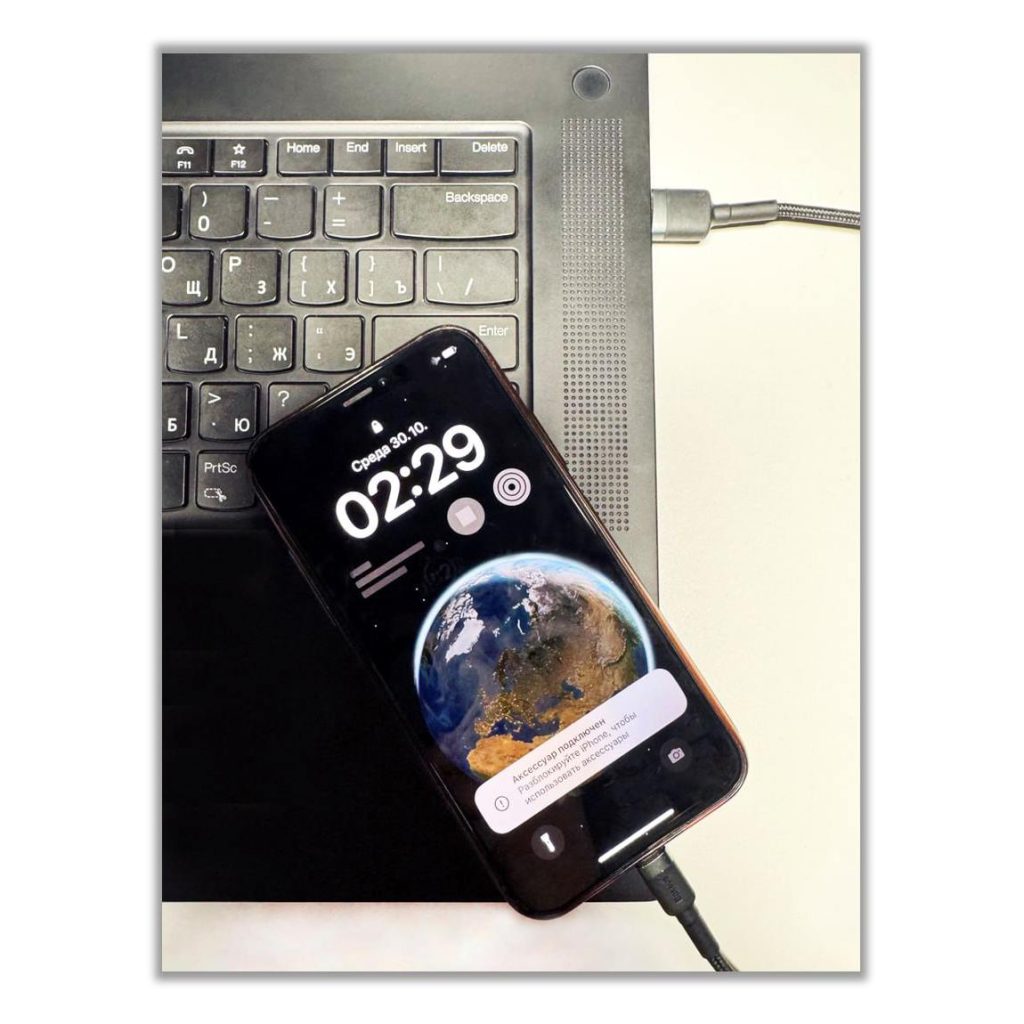
😏 You can’t just simply extract information from a mobile phone
A mobile phone is a portable computer, but in most cases, extracting the data needed for an investigation by simply connecting the phone to a computer won’t work. This is because mobile device manufacturers take measures to restrict access to important artifacts.
🔓 We’ve put together a brief overview of the necessary tools for extracting information from mobile devices:
• Elcomsoft iOS Forensic Toolkit very effectively extracts data from various Apple devices (iPhone, iPad, iPod Touch, Apple TV, Apple Watch, and HomePod).
• Passware Kit Mobile allows you to brute-force passwords and extract data from locked, encrypted iOS and Android devices.
• РС-3000 Mobile PRO extracts information from encrypted, damaged mobile devices, brute-forces passwords, and recovers damaged file systems.
• “Mobile Criminalist Expert+” — a universal tool for extracting data from iOS and Android devices and cloud services.
• GrayKey allows you to extract data from encrypted, password-protected iOS and Android devices of the latest models.
• UFED — a good universal tool for extracting data from both smartphones and feature phones.
• MOBILedit, MD-NEXT, XRY, SmartPhone Forensic System Professional, iPhone and Android Phone Forensics System — universal, quite interesting products with their own unique capabilities.
🔓 In addition, to extract information from mobile phones, device manufacturers’ backup software is used:
• iTunes
• Samsung Kies
• Huawei HiSuite
• Mi PC Suite
And from third-party developers: for example, for Apple devices — iMazing.
🔓 Among open-source projects, the following stand out:
• Mobile Verification Toolkit — for extraction from Android and iOS devices;
• iOS Device Data Extractor, Libimobiledevice, Universal Forensic Apple Device Extractor — for extraction from Apple devices.
• Kanade — for extracting APK files of Android-based applications.
• Andriller CE (Community Edition), Android Triage — for extraction from Android devices.
🆓 Upon request, Magnet provides the Magnet Acquire software free of charge for extracting data from iOS and Android devices.
To use all the capabilities of the software listed above, the phone under examination must be connected to a computer. Interface cables come in handy for this:
• general-purpose (Type-C, Lightning, Micro USB, OTG cables with various connectors);
• specialized (for enabling various modes): for example, for Huawei mobile phones, a Harmony TP cable is used to switch the device into serial port (COM port) mode.
📱 For working with damaged devices or for switching into a special mode (when you need to detach the screen or back cover and short a test point on the board), the following come in handy:
• a heat gun (display separator);
• a soldering station;
• a programmer (for example, Z3X EASY JTAG Plus).
When choosing tools for extracting information, you should always start from the specific tasks facing the investigator, which artifacts are needed to solve those tasks, and, with that in mind, select the toolkit for data extraction.
💡 Life hack: companies often provide the opportunity to obtain a demo license of their software upon request so you can test it. This allows you to familiarize yourself with the software’s functionality before purchasing and decide whether it’s worth buying.
#dfir #mobile #android #ios
@ptescalator
More from oUth0R
- We helped Apple fix a vulnerability in the kernel of its operating systems
We helped Apple fix a vulnerability in the kernel of its operating systems PT ESC expert…
- Recovering EVTX records: carving methods
Recovering EVTX records: carving methods 🧩 When investigating incidents where attackers encrypt virtual machine images, a…
- Operation Chewbacca
At the end of June, the PT ESC team, during incident investigations, discovered a new group…
- Your Zimbra server is at risk
Recently, our PT ESC IR team encountered a new attack by ransomware groups on Zimbra mail…
- He's not your gsocket
He's not gsocket to you 😑 During the investigation of one of the incidents, PT ESC…
More in General
- We helped Apple fix a vulnerability in the kernel of its operating systems
We helped Apple fix a vulnerability in the kernel of its operating systems PT ESC expert…
- Recovering EVTX records: carving methods
Recovering EVTX records: carving methods 🧩 When investigating incidents where attackers encrypt virtual machine images, a…
- Operation Chewbacca
At the end of June, the PT ESC team, during incident investigations, discovered a new group…
- Your Zimbra server is at risk
Recently, our PT ESC IR team encountered a new attack by ransomware groups on Zimbra mail…
- He's not your gsocket
He's not gsocket to you 😑 During the investigation of one of the incidents, PT ESC…