
Mount Point — pt.1
More in General
- We helped Apple fix a vulnerability in the kernel of its operating systems
We helped Apple fix a vulnerability in the kernel of its operating systems PT ESC expert…
- Recovering EVTX records: carving methods
Recovering EVTX records: carving methods 🧩 When investigating incidents where attackers encrypt virtual machine images, a…
- Operation Chewbacca
At the end of June, the PT ESC team, during incident investigations, discovered a new group…
- Your Zimbra server is at risk
Recently, our PT ESC IR team encountered a new attack by ransomware groups on Zimbra mail…
- He's not your gsocket
He's not gsocket to you 😑 During the investigation of one of the incidents, PT ESC…




Mount Point — pt.1 🙂
Any investigation is an analysis of operating system artifacts. And to obtain them, you often have to work with virtual machine images, such as VMDK, VDI, qcow, and others.
In most cases, mounting and then examining such data is not difficult. But if the image is not processed by popular utilities (FTK Imager, Arsenal Image Mounter) for some reason, has configuration peculiarities, or if you need to perform any specific procedures, mounting the image into a virtual environment can be tricky.
In this and several future posts, we will provide short guides on resolving typical situations. Stay connected!
Case 1. Mounting individual partitions from an image (all actions can be easily performed in any standard Linux OS distribution and the WSL subsystem; if some packages are missing on the system, they can be easily installed using standard tools).
🐾 Step 1. Convert the existing image to RAW format. This is the most universal format, containing no additional data, having no compression, and being maximally supported by any utility. The image can be a single file or multiple files (for example, if different Linux directories are spread across several virtual disks). We recommend using the qemu-img utility:
qemu-img convert -f #Source format -O #Target format #Source file #Destination file
This is the most universal method, supporting most virtual disk formats (VMDK, VDI, qcow and others), and also allows assembling an image from multiple files. Additionally, you can use vendor utilities included in standard distributions, for example:
VirtualBox: VBoxManage.exe internalcommands converttoraw

VMware: vmware-vdiskmanager -r ./source-image.vmdk -t 2 ./destination-image.raw
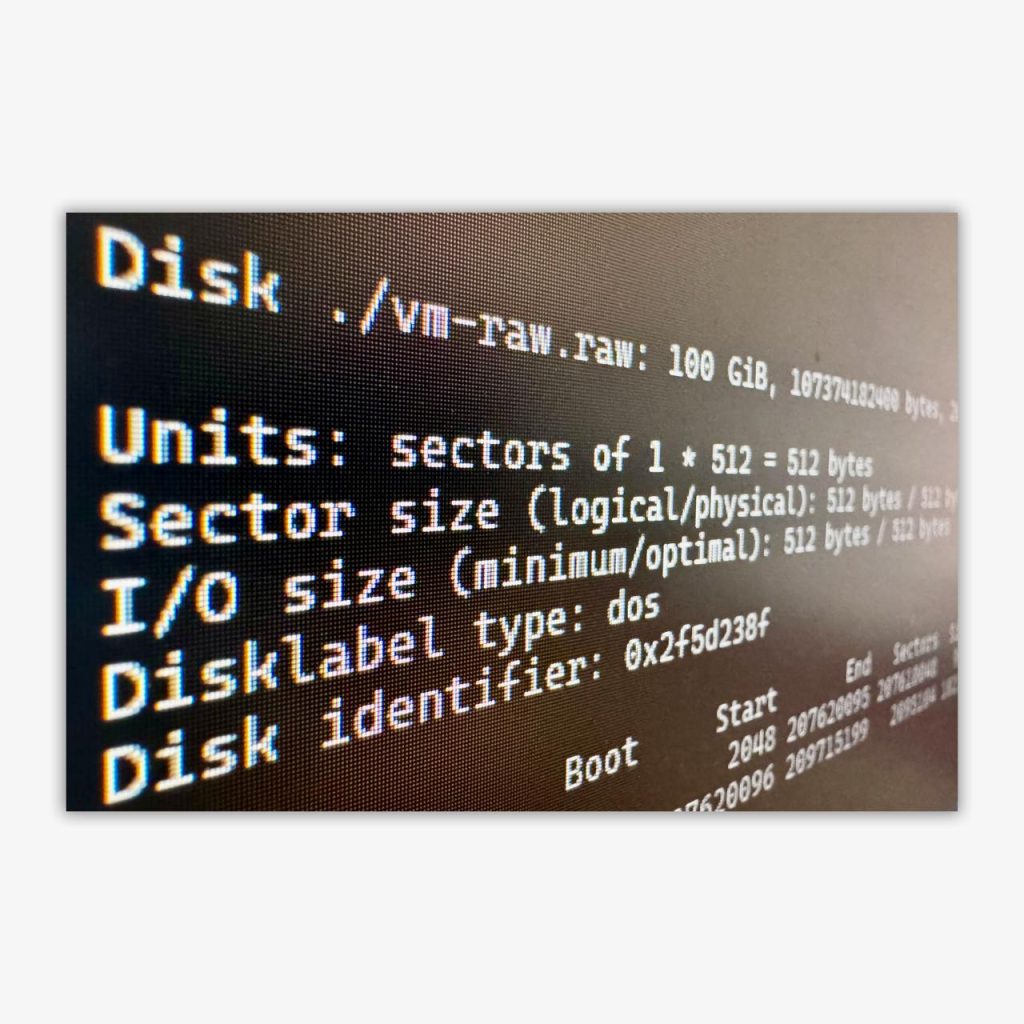
🐾 Step 2. Examine the parameters of the resulting image:
fdisk -l ./#path to file
And we see an entry like this:
Sector size (logical/physical): 512 bytes / 512 bytes

./vm-disk-0.raw1 : start=        2048, size=   207618048, type=83
./vm-disk-0.raw2 : start=   207620096, size=     2095104, type=82
By the partition identifier (they can be viewed here) we determine the required one (in the example — Type 83 Linux Partition) and calculate the offset and disk size parameters:
512 (sector size) × 2048 (first sector number) = 1 048 576 (offset in bytes)
512 (sector size) × 207 618 048 (number of sectors) = 106 300 440 576 (partition size in bytes)
🐾 Step 3. Mount:
mount -o ro,loop,offset=1048576,sizelimit=106300440576 source /mountpoint
💡 Useful notes:
1. For the mount command, use the ro (read-only) option to avoid accidentally changing anything in the image under investigation.
2. When working with Windows images, use the show_sys_files option to display hidden system files ($MFT, $LogFile, $J, etc.) and streams_interface=windows to support working with alternate data streams.
That’s it! In the mount point directory, we see the contents of the partition of interest.
In the next post, we will look at mounting LVM disks and share a useful script. Stay tuned!
#tip #dfir
@ptescalator
More from oUth0R
- We helped Apple fix a vulnerability in the kernel of its operating systems
We helped Apple fix a vulnerability in the kernel of its operating systems PT ESC expert…
- Recovering EVTX records: carving methods
Recovering EVTX records: carving methods 🧩 When investigating incidents where attackers encrypt virtual machine images, a…
- Operation Chewbacca
At the end of June, the PT ESC team, during incident investigations, discovered a new group…
- Your Zimbra server is at risk
Recently, our PT ESC IR team encountered a new attack by ransomware groups on Zimbra mail…
- He's not your gsocket
He's not gsocket to you 😑 During the investigation of one of the incidents, PT ESC…
More in General
- We helped Apple fix a vulnerability in the kernel of its operating systems
We helped Apple fix a vulnerability in the kernel of its operating systems PT ESC expert…
- Recovering EVTX records: carving methods
Recovering EVTX records: carving methods 🧩 When investigating incidents where attackers encrypt virtual machine images, a…
- Operation Chewbacca
At the end of June, the PT ESC team, during incident investigations, discovered a new group…
- Your Zimbra server is at risk
Recently, our PT ESC IR team encountered a new attack by ransomware groups on Zimbra mail…
- He's not your gsocket
He's not gsocket to you 😑 During the investigation of one of the incidents, PT ESC…